Site editor
Landing pages on pages.dal-ia.com. Open it from the Site Editor menu. DALIA signs you in (internal link) and opens a new tab. You need the module enabled and the permission on your user (a super admin always has access).
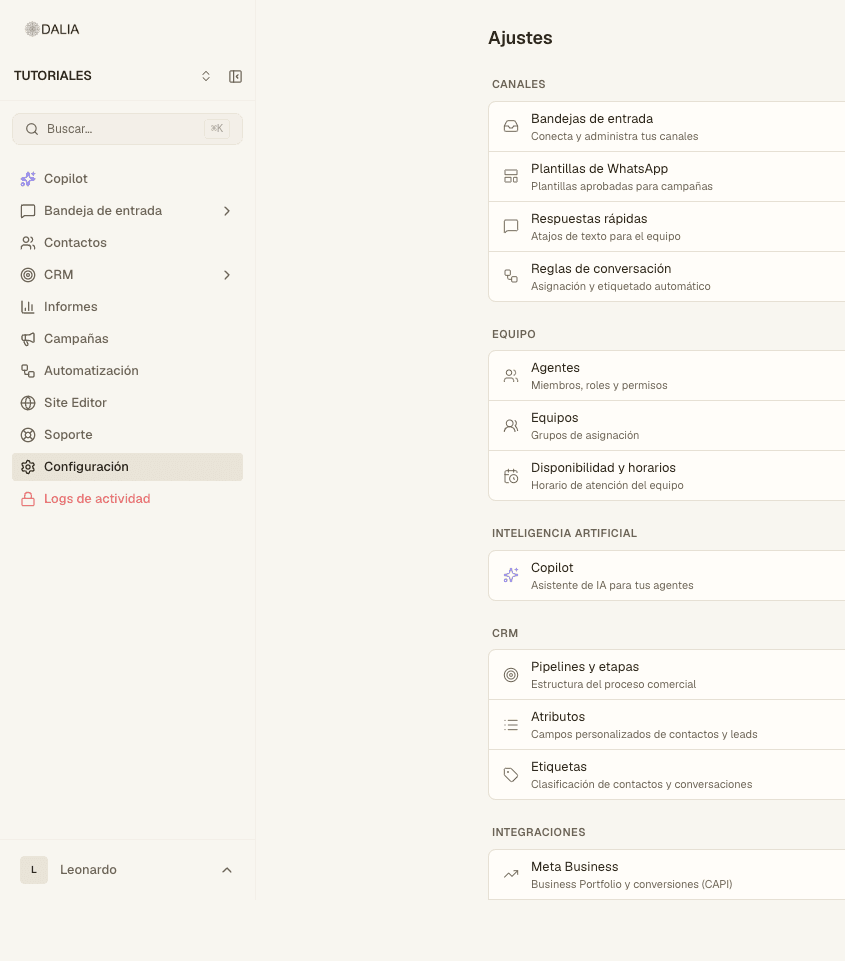
Opening the editor
- In the menu, click Site Editor. It isn't a screen inside DALIA: it opens in another tab.
- If it won't let you in, the module is off or your user doesn't have the "use site editor" permission.
What you can do there
- Build a page from a description (the editor suggests blocks).
- Edit text, images and the order of the sections.
- Show products if the account has a store or inventory.
- Embed the widget from one of your inboxes (the same one as in Web widget).
- Paste an embeddable DALIA form, if the module is active: submitting it creates a lead.
- Publish. The default URL lives under pages.dal-ia.com.
Brand
Settings → Brand (only if the editor is active). Palette, typography, logos and tone of voice. The editor uses them so your landing pages don't look like another company's.
Your own domain
Settings → Domains. You can search for and buy a name (registration + Stripe). DALIA creates the DNS zone and points it at the editor. Automatic renewal and billing history are on that same screen.
- Search for the name.
- Pay. Don't type or paste card details into a ticket.
- Wait for DNS to propagate. The status changes to verified once the domain responds.
- In the editor, publish the page on that domain.
Widget: its own page. Forms and other modules: Modules.