Support
Support menu. "Report bugs, request implementations or ask the DALIA team for help." It stays visible even if the plan has expired, so you can get help with billing or a blocked account.
It isn't your customers' inbox. A WhatsApp chat is handled in Conversations. Here you open a ticket with the DALIA team.
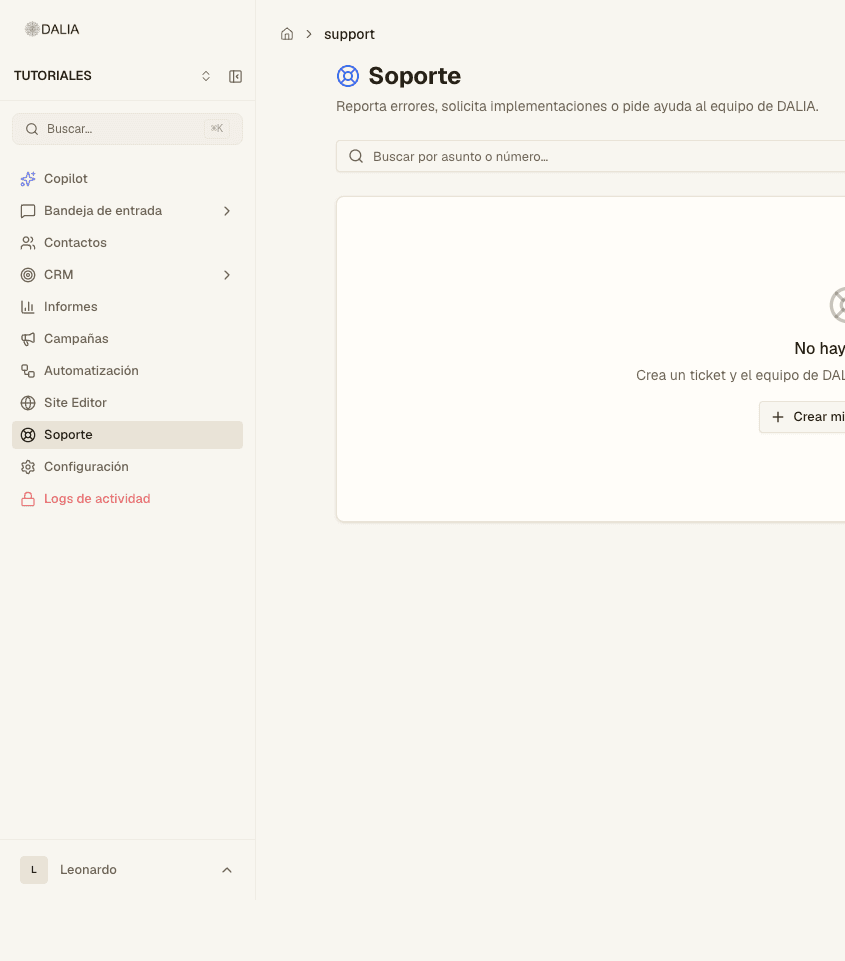
The list
At the top: New ticket (if your user can create them). Search box: "Search by subject or number…". Status filter: All, Active, or Open / In progress / Waiting for reply / Resolved / Closed.
Each card shows the number (#), the subject, status, priority, category and last activity. If you were mentioned in someone else's ticket, a separate tab appears.
If you can't create: "Your user doesn't have permission to create tickets. Contact your account administrator…"
Creating a ticket
- New ticket (or "Create my first ticket" if the list is empty).
- Subject — one line that's clear in the queue.
- Category. The usual ones: Bug report, New feature, Implementation, Question / Help, Billing, Virtual session, Other. Whoever runs DALIA can add more.
- Priority: Low, Normal, High, Urgent.
- Description. You can mention a teammate on the account (@). Attach screenshots if it's a bug.
- If the category is a virtual session, propose at least one date and time (half-hour intervals, from 7:00 to 20:00).
- Submit. The ticket gets a number (#). The team replies in the same thread.
Inside the ticket
You see the thread, the status and the files. You can comment and attach more. When the team replies, the status may change to Waiting for reply. Resolved and Closed close the case; if needed, it can be reopened from the same place.
Plan and billing: Plans and billing.