Contacts
The list of people who have messaged you or that you imported. Menu: Contacts.
The list
At the top are the total and a search box. Each person is a card: name, labels, email and city. You can also switch to a table or group by a field if the account uses it that way.
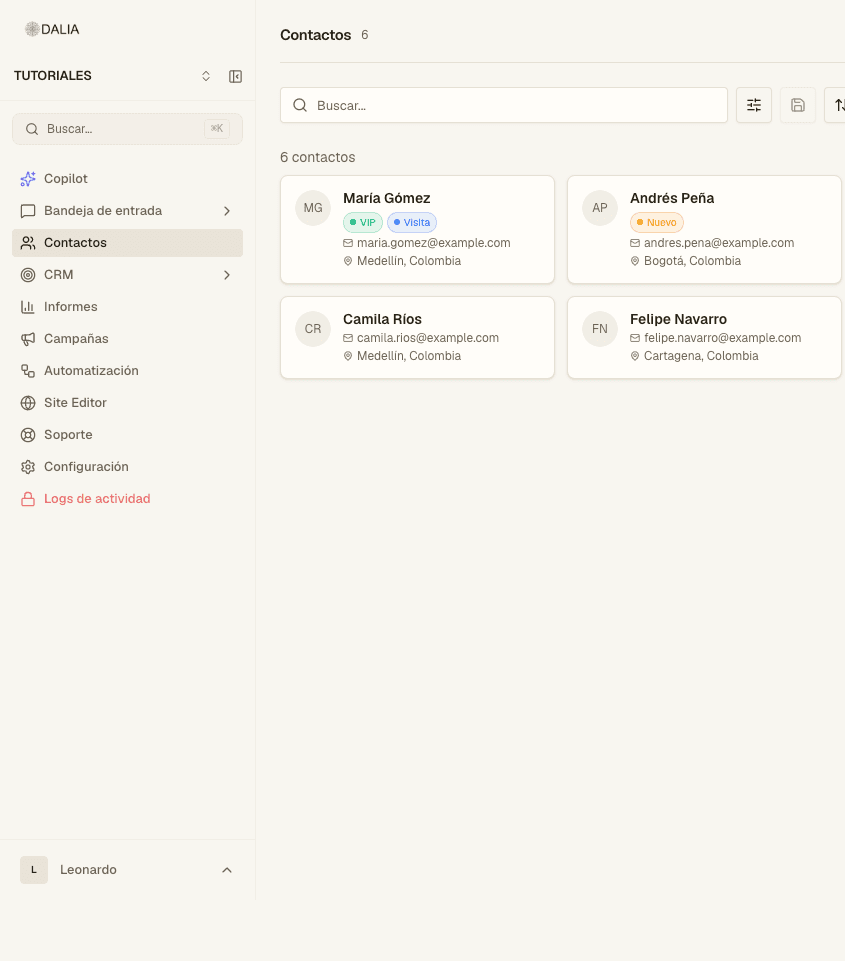
Filters can be combined: label, attribute, date, channel, advisor. Filters you use often can be saved; it appears under Contacts in the menu, with All at the top.
The record
When you open a contact you see name, phone, email, labels and attributes. You also see the chat history, the campaigns they received and, if applicable, store purchases or CRM properties.
Someone who arrives through the site widget may include their browser, operating system and source page. The advisor doesn't fill that in: DALIA saves it.
Labels and attributes
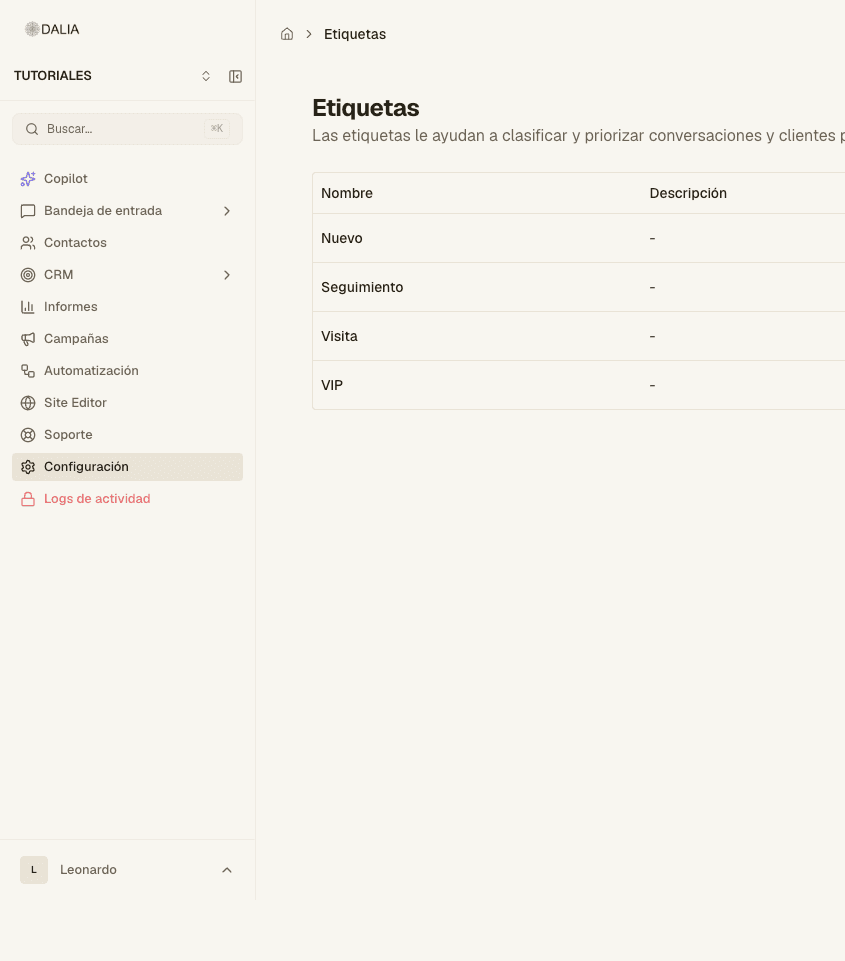
Labels are added by hand, by the AI agent or by an automation. Attributes are account fields (text, number, date, list). They are configured in Settings. The AI agent can fill them in during the chat if it was told to in the instructions.
Export and import
Export respects the active filters and downloads a CSV. Import asks for the file in the template format. The phone number is normalized; if it already exists, the record is updated, not duplicated.
Segments that use CRM stage or properties are built in the audience builder (campaigns and, if present, the segments modal). See CRM and Campaigns.