Settings
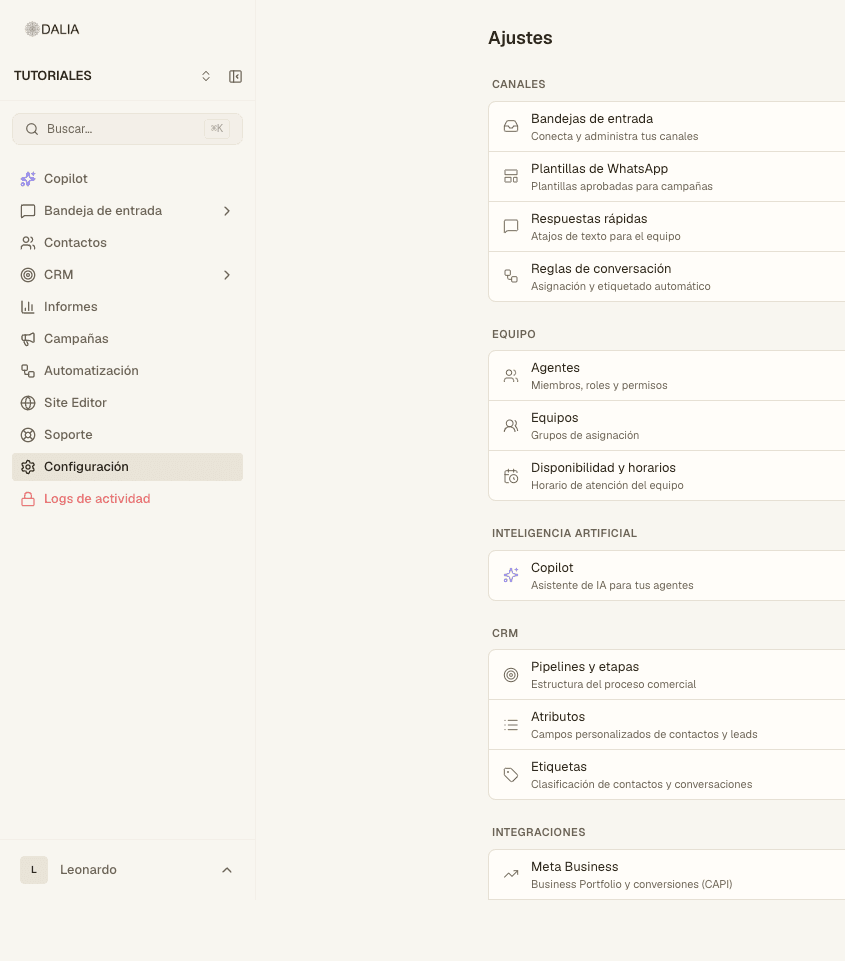
Settings menu. The home page groups everything into blocks: Channels, Team, Artificial intelligence, CRM, Integrations and Account. An agent can only access it with a specific permission (canned responses, templates, knowledge base or schedules).
Your profile
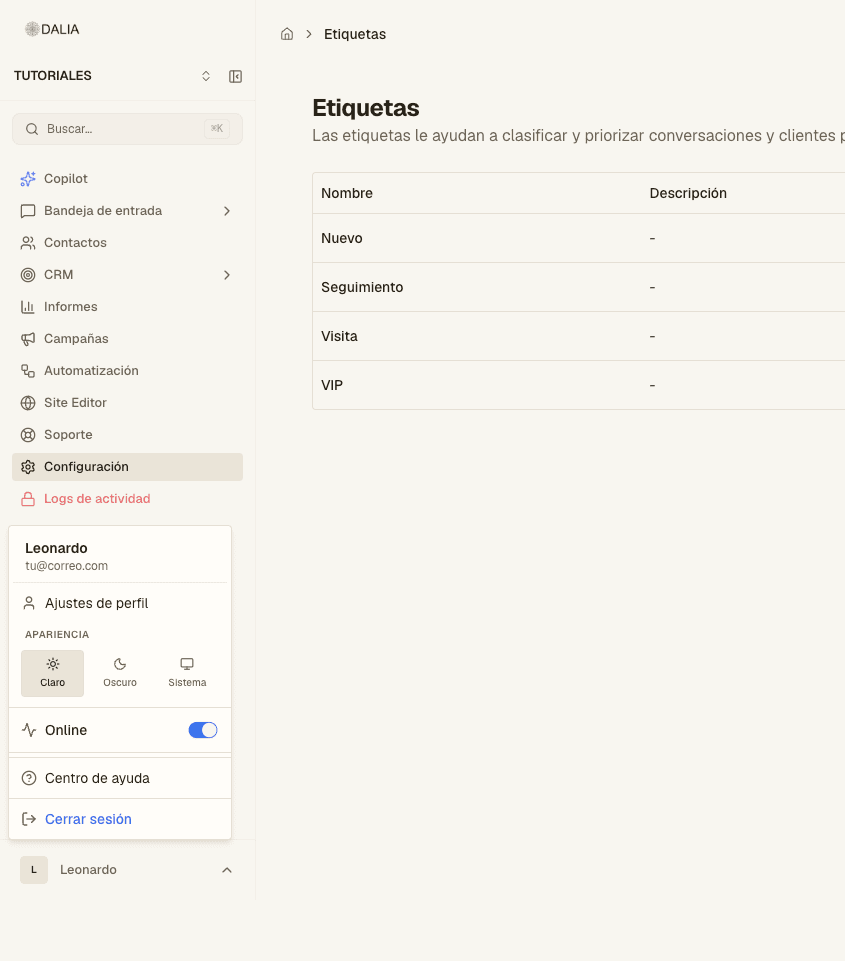
Also from your name, bottom left → Profile settings. Name, email (not editable), password, Online/Offline, pop-up notification and sound. Weekly availability is a separate screen: /dashboard/profile/availability.
Inboxes
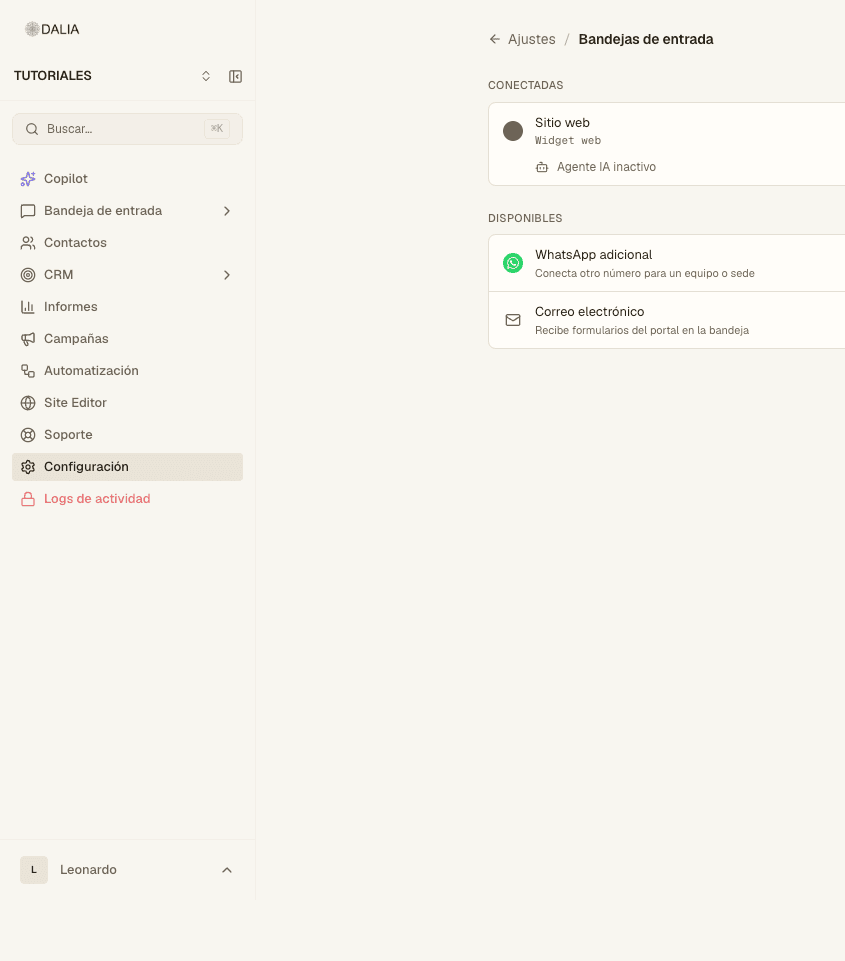
Settings → Inboxes. At the top: Connect channel. The list is split into Connected and Available. Each card has Configure and shows whether the AI agent is active or inactive.
Inside an inbox there are tabs: the channel account, Settings, Agents and AI agent. WhatsApp details are in Meta; site chat details are in Web widget.
Canned responses
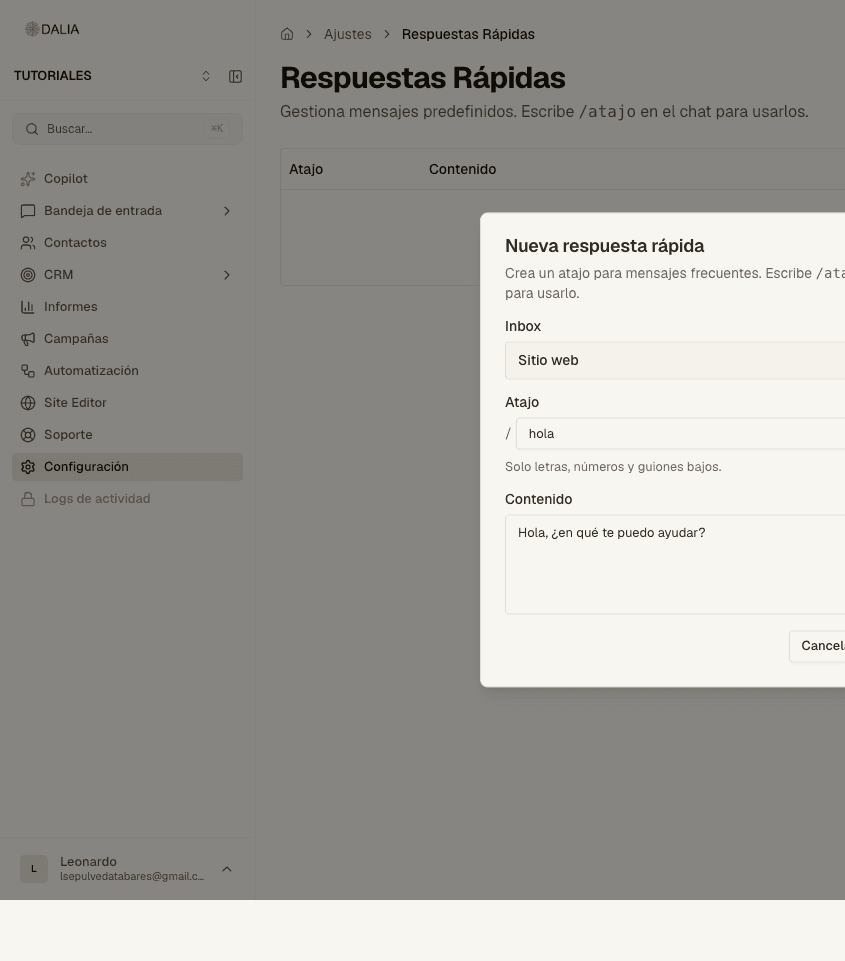
Settings → Canned responses. The subtitle: "Type /shortcut in the chat to use them."
- Add response.
- Choose the Inbox (or the line it applies to).
- Shortcut: letters, numbers and underscores only. In the chat you type it with a leading slash, for example
/hola. - Content and Create.
Conversation rules
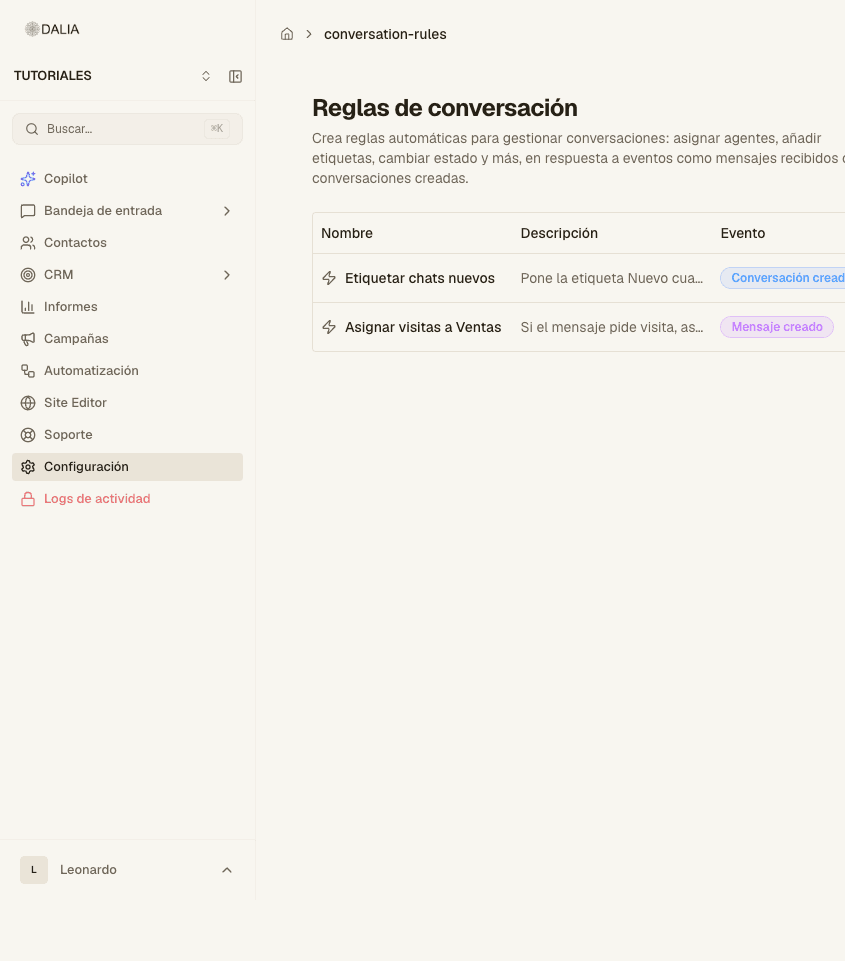
Settings → Conversation rules. This is not the visual editor in the Automation menu. Full guide: Automations.
Team
Agents: invite, role and, for an agent, which inboxes they join and whether they see all contacts. Without that last permission, they only see their own. Teams: groups for round-robin assignment. Availability and schedules: when someone is considered on shift.
Labels
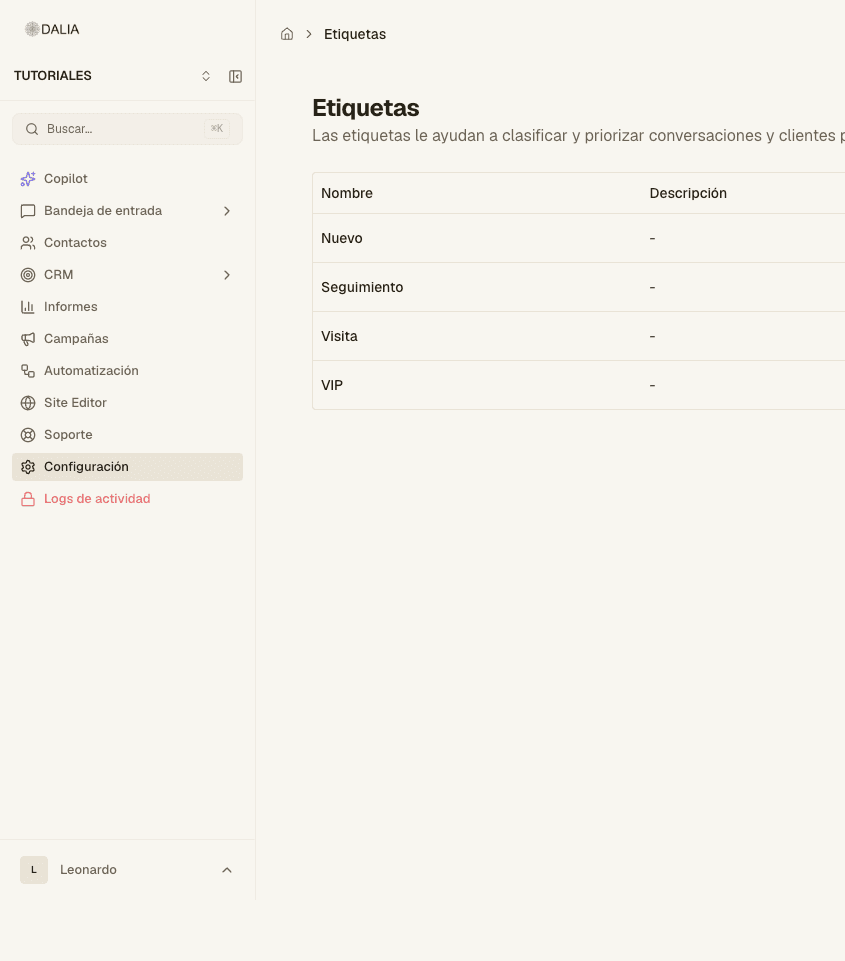
Settings → Labels. Color and name. You attach them in the chat or on the contact record.
Templates and AI
WhatsApp templates: their own page. Copilot: how it is used and configured. Knowledge base: collections and files. The AI agent that talks to customers is in the AI agent tab of each inbox: AI agent.
In the same block, if they apply: LLM integrations, AI agent playground, AI agent logs, Image classification.
CRM in Settings
Pipelines and stages, Attributes (contact and lead fields) and Labels. If the PMS is active: Property manager.
Integrations and account
Meta Business, Webhooks (n8n), Platform integrations, Embeddable forms (if the module is on) and API access (if you are a super admin). Guides: Integrations, API, Advanced.
Billing: Plans and billing. Usage: this month's usage (agents, inboxes, AI conversations, campaigns per day, automations, collections, documents, Copilot queries). Brand and Domains only if the site editor is active. My profile and notifications is the same as the menu under your name.
Telephony appears in Channels if the voice module is on. See Modules and Team.