DALIA documentation
DALIA is where your team handles WhatsApp (and the other channels), keeps a record of everyone who messages you, and follows up until the deal closes. This guide assumes someone in your account has already connected the inbox. If there is no number or active channel yet, ask whoever administers the account to get it ready before you continue.
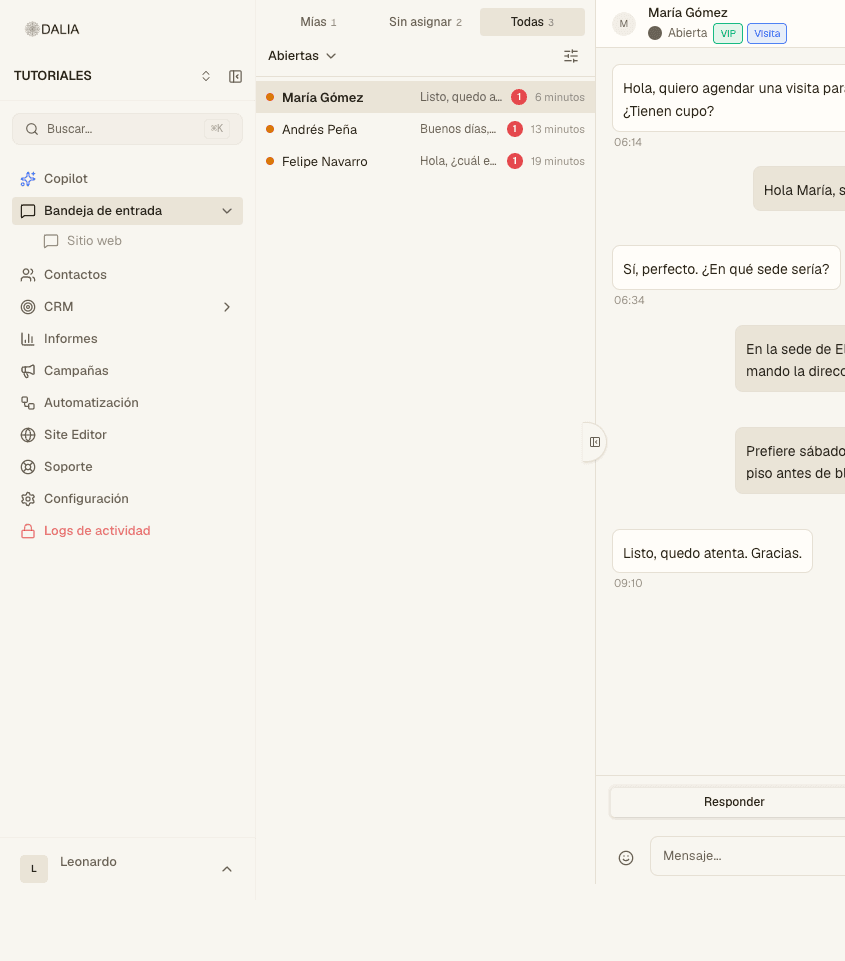
What's here
The first pages are for people who open DALIA every day: inbox, contacts, CRM and reports. After that: campaigns, templates, flows, Copilot and the AI agent. Under Account you will find settings, team, Meta, the widget, the editor, the modules not every account has, plans and support. At the end, API and advanced topics.
Start here
Your first day
Sign in, read the inbox and answer the first message. Assumes an inbox is already connected.
Inbox
Tabs, statuses, internal notes, templates and the contact panel.
Contacts
Record, labels, attributes and how to export or import your contacts.
CRM
Leads, opportunities and how a chat becomes a deal you follow up on.
Reports
Volume, response times, revenue and where contacts came from.
AI agent
Turning it on per inbox, documents, handoff to an advisor and exclusion labels.